Slitherlink Solver
Type the numbers of any Slitherlink puzzle and get its loop, a uniqueness check and the solving steps.
Recent
Your last 10 settings, saved only in this browser. Nothing is uploaded.
This Slitherlink solver takes any Slitherlink puzzle you type in, and draws the single closed loop that fits its numbers. Enter the clues, press Solve, and the loop appears on the board. It runs in your browser, is free, and needs no account.
Use it when you are stuck on a puzzle from a book or app, when you want to check that a puzzle you made has exactly one solution, or when you want to learn the techniques step by step on a real board. The tool above handles the board. The notes below explain how to use it, the rules behind it, and what the results mean.
How to use the Slitherlink solver
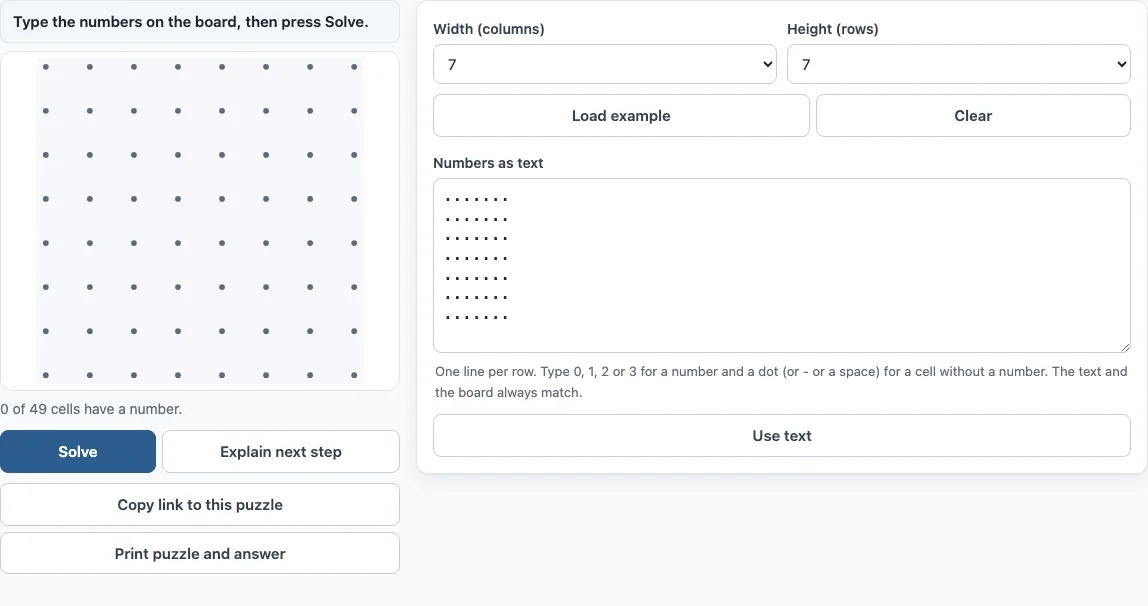
- Pick the board size. Set Width and Height. Each can be 5 to 20 cells. The default is 7×7.
- Enter the numbers. Click a cell to cycle through blank → 0 → 1 → 2 → 3 → blank. Right-click goes backwards. Or click a cell, move with the arrow keys, type 0 to 3 to set a number, and use Backspace, Delete, “.” or “-” to remove one.
- Or paste the puzzle as text. In the “Numbers as text” box, write one line per row. Use 0 to 3 for a number and a dot for an empty cell, such as
3..1.2.. Press “Use text”, or Ctrl+Enter (Cmd+Enter on a Mac), to fill the board. The text always mirrors the board, so you can check your typing there. - Press Solve. The page shows “Solving…”, then one of four results: one solution, several solutions, no solution, or no answer within about 3.5 seconds. The loop is drawn on the board.
Load example creates a Medium puzzle with one solution at the current size (5, 7, 10 or 12; otherwise 7×7). Clear empties the board. Explain next step adds one deduction at a time, and Show full solution jumps to the end. Copy link to this puzzle gives a link that reopens the same board, and the last board is kept in your browser.
How does the slitherlink solver work?
The solver looks for a loop that meets every number and the rules of the puzzle. The rules are simple: draw one single closed loop along the dotted grid lines, with no crossings or branches. A number from 0 to 3 in a cell says how many of its four sides the loop uses.
If exactly one loop fits, the solver draws it. If several fit, it draws one and tells you the puzzle needs more numbers. If none fit, it reports no solution.
How do I type in a puzzle from a book or app?
Set Width and Height to match the grid in your book, then count the rows and columns before you type. Each line of the text box is one row, so the first line is the top row. Use a dot for every blank cell so that each column lines up.
After you fill the board, compare it with the original cell by cell. Most failed solves come from one wrong digit or one missing dot.
What if my puzzle has more than one solution or none?
More than one solution usually means a clue is missing or was copied wrongly. The tool draws one valid loop and says the puzzle needs more numbers to be unique. Check your typing against the source first.
No solution also usually points to a typing mistake, because a published puzzle should have a loop that fits. Check the numbers again before you change anything else. Explain next step needs a puzzle with exactly one solution.
Can it explain the steps?
Yes. Explain next step adds one deduction at a time, highlights the new line or cross, and gives the rule in a sentence. These are the same rules the site’s Slitherlink game uses for hints. They include:
- a number whose sides are all settled (a 0 means none of its sides are used)
- every dot has either 0 or 2 lines
- the loop must close into one piece, so a line that would close a small loop too early is ruled out
- trying the ways round a number, and trial and error when nothing else works
Frequently asked questions
Is the Slitherlink solver free, and is my puzzle uploaded anywhere?
Yes, it is free. The solver runs in your browser, so your puzzle is not uploaded, and you do not need an account.
Can I print the answer?
Yes. Print puzzle and answer prints the puzzle on one page and, when it has exactly one solution, the answer on a second page. Choose Save as PDF in the print dialog if you want a file.
How do I share a puzzle with someone?
Use Copy link to this puzzle. The link includes your board size and numbers, so anyone who opens it sees the same board.
What if Solving stops after about 3.5 seconds with no answer?
This can happen on large grids with very few numbers, because there are many possible loops to check. Add a few more clues, or try a smaller board. Puzzles from books and apps usually have enough numbers and solve in under a second.
Can I use it to check a puzzle I made?
Yes. Type your puzzle in and press Solve. If the page says “One solution”, the puzzle is fair; if it reports several solutions, add or change numbers until it has one.
Related tools
- Slitherlink: play the puzzle yourself, with hints if you get stuck.
- Masyu: a loop puzzle with circles to pass through, useful if you enjoy drawing loops.
- Nonogram solver: use when you have a picture puzzle built from row and column clues.
- Bridges puzzle: a connect-the-islands puzzle with numbers that count the bridges.
- Galaxies puzzle: a dividing puzzle where each region is symmetric around a centre dot.
- Star Battle: a logic puzzle that places stars in rows, columns and regions.
- All puzzles: see every puzzle on the site in one place.